
Signing · Smart-ID · Mobile-ID
Signing With Smart-ID and Mobile-ID: How Baltic National eID E-Signing Works (and Why No Account Is Needed)
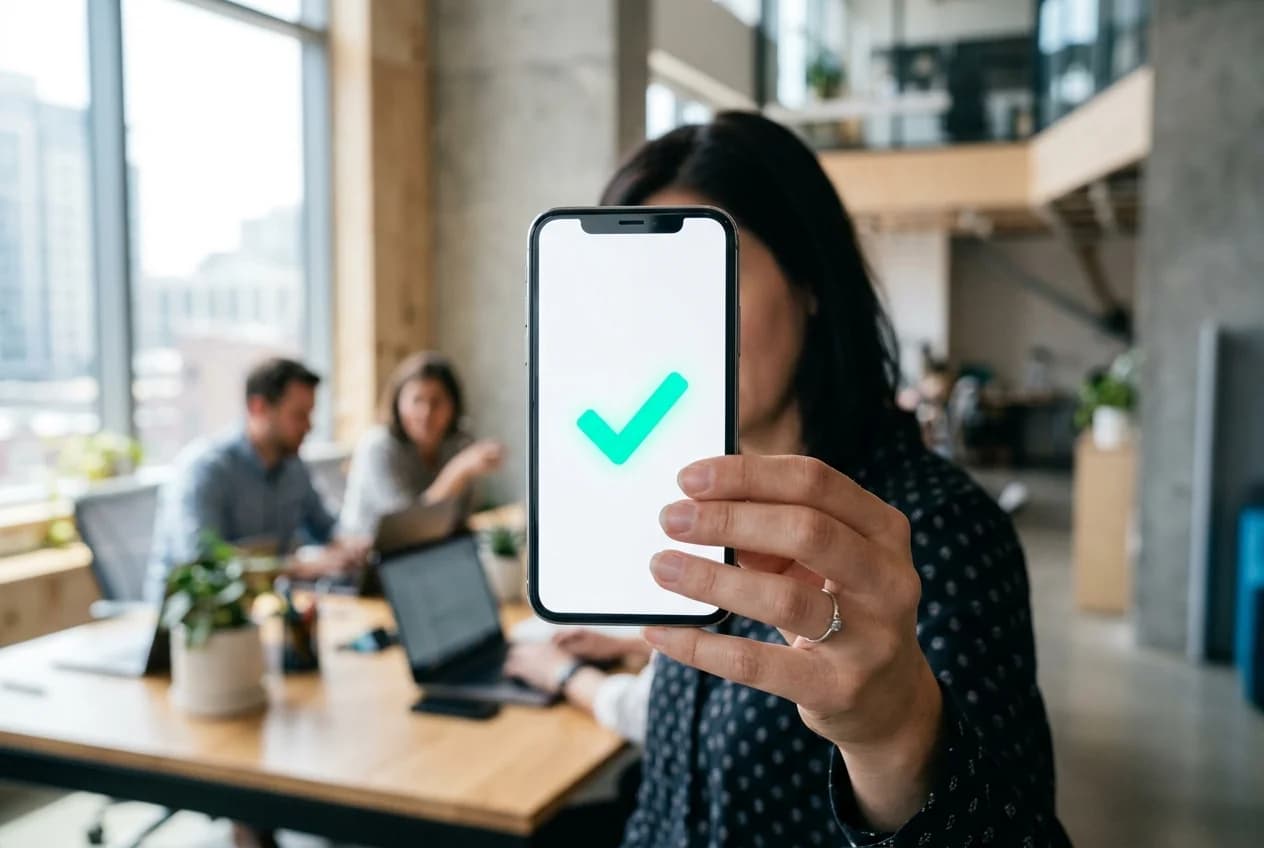
If you do business in the Baltics, you have almost certainly used Smart-ID or Mobile-ID to log into a bank, confirm a payment, or prove who you are to a government service. The same national eID schemes that people across Estonia, Latvia and Lithuania already trust for daily authentication can also stand behind an electronic signature on a contract. That is the foundation of Smart-ID Mobile-ID signing: instead of typing a name into a box or pasting an image of a scribble, the signer proves their identity with the eID they already carry on their phone.
This guide explains how Baltic national eID e-signing actually works, where it sits in the EU's eIDAS framework, and one detail that often surprises people the first time they sign this way: the person receiving a contract usually does not need to create any account at all. DokDesk is a secure contract workflow built around exactly this model, so we use it as the running example. One note before we start: DokDesk is a software platform, not a law firm, and nothing here is legal advice. For the requirements that apply to a specific contract in your jurisdiction, talk to a qualified lawyer.
What are Smart-ID and Mobile-ID, and why do Baltic businesses rely on them?
Smart-ID and Mobile-ID are national electronic identity schemes used widely across the Baltics. Roughly three million people in Estonia, Latvia and Lithuania already use these rails for everyday tasks such as banking, public services and confirming who they are online. Because the identity behind them is verified, a Smart-ID or Mobile-ID confirmation carries far more weight than a typed name or a self-declared email address.
Mobile-ID works through a special SIM card and ties your identity to your phone number, so authentication happens on the device itself. Smart-ID is an app-based scheme that does not depend on a SIM, which is part of why it has spread so quickly. The practical result is the same for the person signing: a prompt appears, they enter their PIN, and the scheme confirms it is really them.
For a business, the appeal is that you do not have to build or vouch for an identity system of your own. You lean on rails the counterparty already has and already trusts. That is exactly what a contract workflow like DokDesk does at the signing step, rather than asking the other side to set up yet another login.
How does Smart-ID and Mobile-ID signing actually work, step by step?
The flow is deliberately short. Once a contract is ready to sign, the sender shares it and the signer opens it on their own device. They choose their national eID method, enter the identifier the scheme expects, and a request is pushed to their Smart-ID app or Mobile-ID SIM.
On their phone, the signer sees what they are about to confirm, checks a verification code, and enters their PIN. The eID scheme then confirms the identity and that confirmation is bound to the specific document being signed. In DokDesk, the secure link always points to the one agreed live version of the contract, so every party signs the same final text rather than a stray copy from an old email thread.
Because the heavy lifting of identity verification happens inside the national eID scheme, the signing experience is fast and familiar. The signer is doing the same thing they already do to approve a payment, which is why this model tends to have far less friction than passwords, uploaded ID photos, or printed-and-scanned pages.
Why does the signer not need an account?
This is the part that surprises people most. With Smart-ID and Mobile-ID signing in DokDesk, the person you send a contract to signs through a no-account secure link. They do not register, set a password, or install any software to take part. They open the link, authenticate with their national eID, and sign.
It works because the identity does not come from a DokDesk login in the first place. It comes from the national eID scheme. A username and password would only prove that someone knows a secret you set up together, whereas a Smart-ID or Mobile-ID confirmation proves it is the actual verified person. Adding an account on top would create friction without adding trust, so it is simply left out for the signing side. Only the team that creates and manages contracts needs an account.
The benefit is concrete: a client, partner or counterparty can sign in minutes without onboarding into your tools. That removes one of the most common reasons a signature stalls, which is the other side not wanting to create an account just to agree to something.
Where does eIDAS fit, and what about QES?
eIDAS is the EU regulation that gives electronic signatures legal standing across every member state. It defines three levels with ascending evidentiary weight: Simple (SES), Advanced (AES) and Qualified (QES). Under eIDAS Article 25, an electronic signature cannot be denied legal effect or refused as evidence in court solely because it is electronic, and a Qualified Electronic Signature carries the legal effect of a handwritten signature across the EU.
National eIDs are how those levels get reached in practice. Signing with a verified Smart-ID or Mobile-ID identity gives a signature a much stronger footing than a plain SES, because the signer is uniquely identified rather than self-declared. Smart-ID, specifically, is a certified Qualified Signature Creation Device, which means Smart-ID signatures can qualify as QES and be accepted across the EU.
To be precise about where DokDesk stands today: the product is in early access, and QES is architecture-ready rather than something we claim is fully live in production. The signing engine is built so that qualified rails, including Smart-ID, Mobile-ID and qualified trust service providers, can plug in to issue QES. We will not describe DokDesk as already eIDAS-qualified end to end before that integration is confirmed. Choosing the right signature level for a given document also depends on its legal requirements, which is a question for your own legal counsel, not for us.
What evidence does Baltic eID signing leave behind?
A signed file on its own proves surprisingly little if a contract is ever questioned. What matters is the record around the signature: who signed, when, how, and with what verified identity. National eID signing is valuable here precisely because it anchors the signature to a confirmed person rather than to an email address anyone could control.
For every signature, DokDesk captures a court-ready evidence base. That includes the signer's verified identity from the national eID used, the timestamp, the signing method and level, the signer's email, IP and device metadata, the signature status, and an audit trail tied to the exact contract version that was signed. The signed document and the proof around it stay together in one place.
All of this data stays within the EU and is handled under GDPR, so the documents, identity records and audit trail live inside the EU data-protection framework rather than being moved elsewhere. The aim is simple: if an agreement is ever disputed, you can show what was signed, by whom and when, instead of reconstructing the story from scattered inboxes.
Frequently asked questions
- Does the person I send a contract to need a DokDesk account to sign with Smart-ID or Mobile-ID?
- No. The signer opens a secure, no-account secure link and signs directly with their national eID, with no sign-up, no app to install, and no password to manage. Only the team that creates and manages contracts needs an account. The secure link points each signer to the one agreed live version of the document, so everyone signs the same final text.
- Is a signature made with Smart-ID or Mobile-ID legally binding?
- Electronic signatures are governed by the EU eIDAS regulation. Under Article 25, an electronic signature cannot be denied legal effect or refused as evidence in court solely because it is electronic, and a Qualified Electronic Signature carries the legal effect of a handwritten signature across the EU. Signing with a verified national eID gives a signature stronger identity footing than a typed name. Some national laws still require a specific form for certain documents, so for a particular contract you should confirm the right level with a qualified lawyer.
- Can DokDesk produce a QES today using Smart-ID or Mobile-ID?
- DokDesk is in early access, and QES is architecture-ready rather than fully live in production. The signing engine is built so qualified rails, including Smart-ID, Mobile-ID and qualified trust service providers, can plug in to issue QES, and SES and AES signing follow the same eIDAS levels. We are deliberately precise about this and will not describe DokDesk as already eIDAS-qualified end to end before that integration is confirmed.
- What is the difference between Smart-ID and Mobile-ID for signing?
- Both are national eID schemes used across the Baltics. Mobile-ID works through a special SIM card and ties identity to your phone number, while Smart-ID is an app-based scheme that does not depend on a SIM. For the signer the experience is similar: a prompt appears, they check a verification code, and they enter a PIN. Smart-ID is a certified Qualified Signature Creation Device, so its signatures can qualify as QES and be accepted across the EU.